Bank versus general ledger
The month's statement against the ledger entries, with dates that shift by a day or two.
Statement→Ledger1:1

DueHub Match compares your two files, proposes matches based on your rules, and shows you the differences so you can decide.

Two files, each on its own side.
Match joins what belongs together, by your rules.
What does not close stays in plain view.
You approve or reject. Every decision, recorded.
Two files that should match, and almost never do on the first try. Reconciling means comparing line by line. Differences hide in the details, and finding them by hand in spreadsheets takes hours and leaves little record of what was decided.

Illustrative example
The bank credits it one day; the general ledger records it the day before.
A single transfer on one side, many entries on the other.
Every system exports its own way.
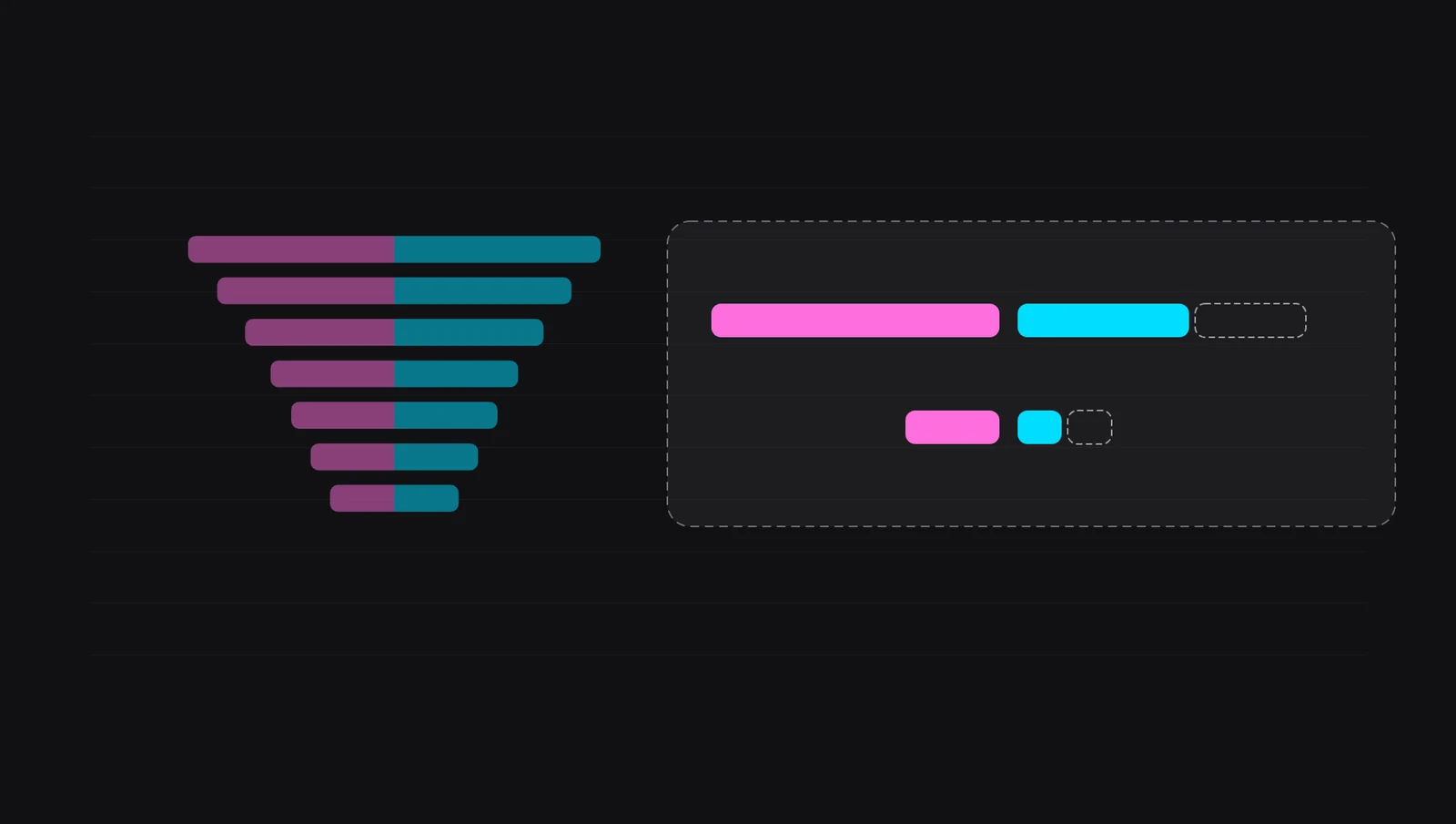
Silent animation: two columns of strips, fuchsia and turquoise; strips of the same length join into ordered pairs and the ones that do not match move to a tray, where they are marked one by one.
Silent video with real DueHub Match screenshots: uploading two files, choosing columns and rules, running the reconciliation, reviewing a group and downloading the result.
Coverage by amount, balance difference, pending reviews and what remains unreconciled in A and in B.
Each source's entries, their totals and the difference. If a group is unusually large, the app warns you before you approve it.
Approve or reject each group, or several at once. Filter by status and search by document, reference or customer.PendingApprovedRejected
Who built or decided each group and when, within the same reconciliation.
A run can end complete, without an optimality guarantee, or incomplete. The app says so and explains which rows are affected.

.xlsxSummary, reconciled, unreconciled from A and from B, and audit..csvRows from A and B aligned by group.diag.For support: parameters and timings, without your data.
The month's statement against the ledger entries, with dates that shift by a day or two.
One receipt that settles several invoices, or several transfers that pay a single invoice.
What left the bank against the payment orders issued, to find what is missing on either side.
The ERP export against the team's control sheet, each with its own columns.
CSV or XLSX, with a header row. Save the mapping as a template for next time.
1:1, 1:N, N:1 and N:N in the same run.
On the Growth plan, per source.
A and B are uploaded, mapped and reviewed separately.
Complete, without optimality guarantee, or incomplete.
The support file carries parameters and timings.
The app, in neutral Spanish and English.

Uploads, reconciliations, templates and results are only queried within your session's active organization.
A and B are uploaded, reviewed and mapped separately, from preview to result.
History, review decisions and the state of each run stay linked to the reconciliation.
See how many reconciliations you have left this month and how many rows your plan allows before uploading.
Preview available today in Claude and ChatGPT; connector acceptance is still pending. Connect DueHub Match to your assistant. Give it the two files, it shows you the same form as the app to choose columns and rules, and explains the result. The decisions stay yours.
Assistant · DueHub Match connectedexamplePrepare the reconciliationYour first reconciliation, with sample files.
02Formats, sheets, headers and suggested columns.
03Tolerances, expected difference, 1:1 to N:N and the document number.
04Complete, without optimality guarantee or incomplete: what each one means.
MCPThe connector address, sign-in and the form in the conversation.
APIIntegration credentials, uploads, executions and results.
# In Claude: Settings → Connectors → Add
URL   https://mcp.duehub.app/mcp
Auth  OAuth 2.1 · each person with their account
# Upload source A of a reconciliation
curl -X POST https://match.duehub.app/api/v1/commercial/uploads \
  -H "Authorization: Bearer $DUEHUB_TOKEN" \
  -F side=A -F "file=@extracto.csv"
Launch pricing, in US dollars. Pay yearly and get 2 months free.
To validate the flow with your files.
Freeforever
For a recurring operation with more volume.
USD 29per month · USD 290 billed yearly
For operations that need more processing capacity.
USD 99per month · USD 990 billed yearly
For higher volume or an SLA, the Enterprise plan is quoted on request. Need more in a busy month? Add 25 reconciliations for USD 19.
CSV or XLSX, one per source. In an XLSX you choose the sheet and the header row. The number of rows per file depends on your plan: 500 on Free, 10,000 on Starter and 50,000 on Growth. In large files, 1:1 matching covers the whole ledger and many-to-many (N:N) groups are searched in segments; the app reports what was left out of that search.
Amount and date are required. Document, reference, customer and account or segment are optional and help tell similar entries apart. The app suggests each column by its name and content; you can always change it.
The accepted date difference in days, the accepted amount difference, an expected difference per group (for example, a fixed fee), the group types to look for (1:1, 1:N, N:1 and N:N), grouping by month and requiring the same document number.
Not always. A run can end complete, complete without an optimality guarantee, or incomplete if some rows were left unexamined. The app shows the state and explains which rows are affected so you can review them.
Yes. Each group can be opened, approved or rejected, and unreconciled rows from A and B stay listed for follow-up. Then you download the result in Excel or CSV.
Yes, with the DueHub Match connector and manual API/MCP activation for your organization. Each person signs in with their account, and the assistant shows the form to choose columns and rules before launching.
No. Save the column mapping as a template and reuse it with files in the same format.
Create an account, upload your two files and follow the steps. The Free plan is enough to try the full flow with your files.
Upload your two files and see what matches and what doesn't. Small files take minutes; large ones are analyzed in segments, with a record of what was covered.